For solar EPC companies and rooftop solar installers
Solar EPC software that follows every project from site survey to service
A rooftop solar project passes through many hands: the salesperson, the surveyor, the design and purchase team, the installation crew and, later, the service team. CamVerion keeps the customer, the quote, the jobs, the payments and every service visit on one record.
Plans from $49 a month for up to 10 users. Every feature on every plan.
Solar projects have many stages and many people
Between the first enquiry and the final payment, a solar project needs a roof survey, a quote, often a revised quote, material purchase, installation, testing and paperwork, with payments collected at each stage. Then come cleaning visits and service calls for years after.
Solar EPC software gives each stage an owner and a status. The office can see which projects are waiting for material, which are being installed and which customers still owe their final payment, without ringing the site.
One flow, from first call to final payment
Each stage creates what the next one needs, so nothing is typed twice.
-
Step 1
Enquiry
Record every enquiry with its source and the customer's monthly bill or required capacity.
How it works -
Step 2
Roof survey
Assign a surveyor to check roof area, shading and cable routes. Their notes go straight to the quote.
How it works -
Step 3
Quote
Quote from saved system packages, such as a 3 kW or 5 kW rooftop system, then adjust for the roof.
How it works -
Step 4
Order and jobs
An approved proforma creates purchase and installation jobs, so material and crews are planned together.
How it works -
Step 5
Scheduling
See each crew member's day and book installations into free slots, with leave already blocked out.
How it works -
Step 6
Invoice
Invoice from the order without retyping, with your own numbering and tax on every line.
How it works -
Step 7
Stage payments
Record the advance, the payment on installation and the final balance, and see who still owes what.
How it works -
Step 8
O&M and service
Log cleaning visits and faults as service calls, assign a technician and keep each site's history.
How it works
Keep projects moving
See where every project has reached
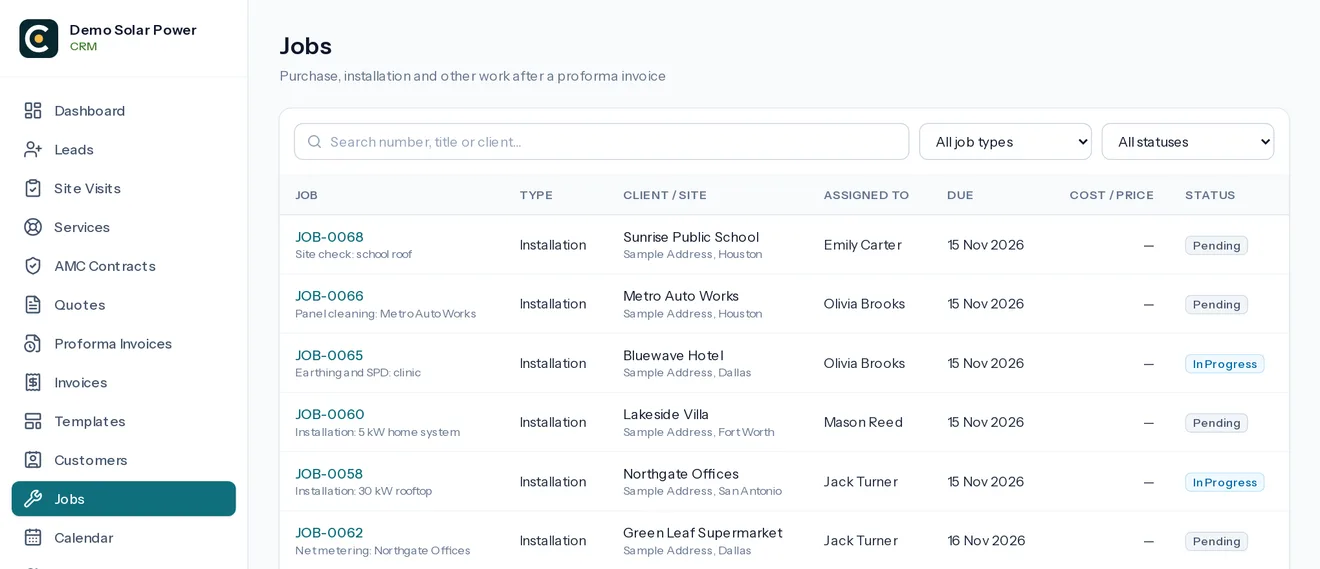
Each installation job shows who is assigned, when it is due and its status. Crews add photos and notes from the roof, so the office knows what is finished without a phone call.
- Your own job types, such as purchase, installation and testing
- Pending, In Progress, Hold, Completed and Approved
- Real hours recorded with Start and End Work
Collect every stage payment
Know exactly what each customer owes
Solar projects are usually paid in stages. Every payment updates the invoice and the customer's balance, so the final payment is not forgotten after the system is running.
- Advances and part payments recorded in seconds
- Invoices and receipts sent by WhatsApp or email
- Unpaid invoices visible on the owner dashboard
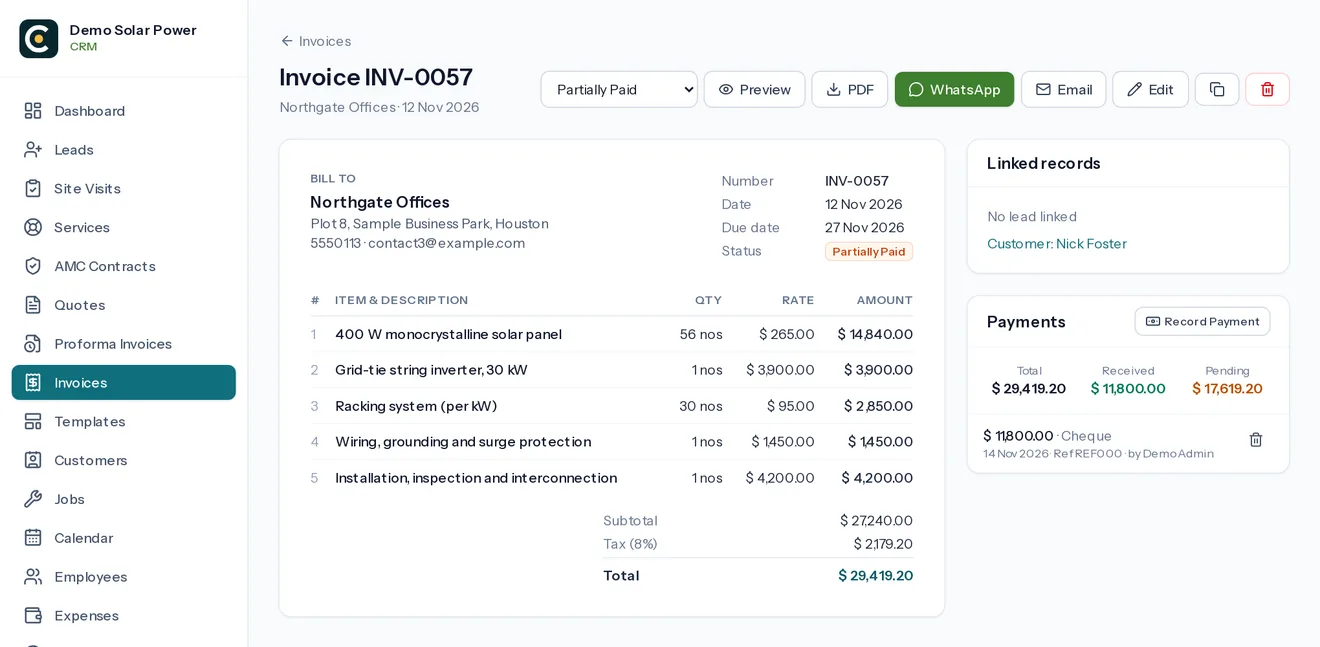
Screens are from the real software, with made-up demo data.
Built for field teams
Crews see their roofs, not your margins
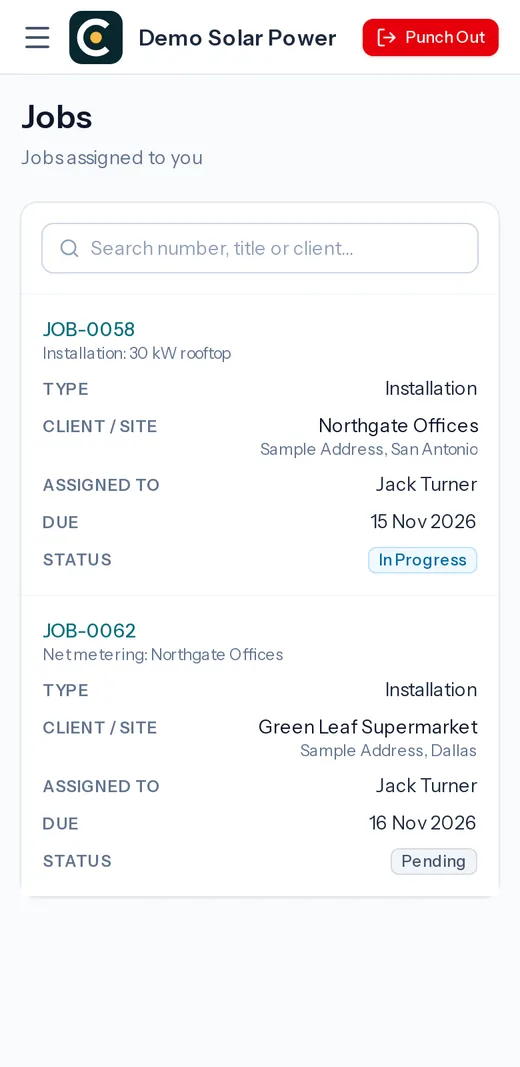
Installation and service crews open their assigned surveys, jobs and service calls on their phone. They punch in with location, add roof photos and claim expenses with a picture of the bill.
How roles work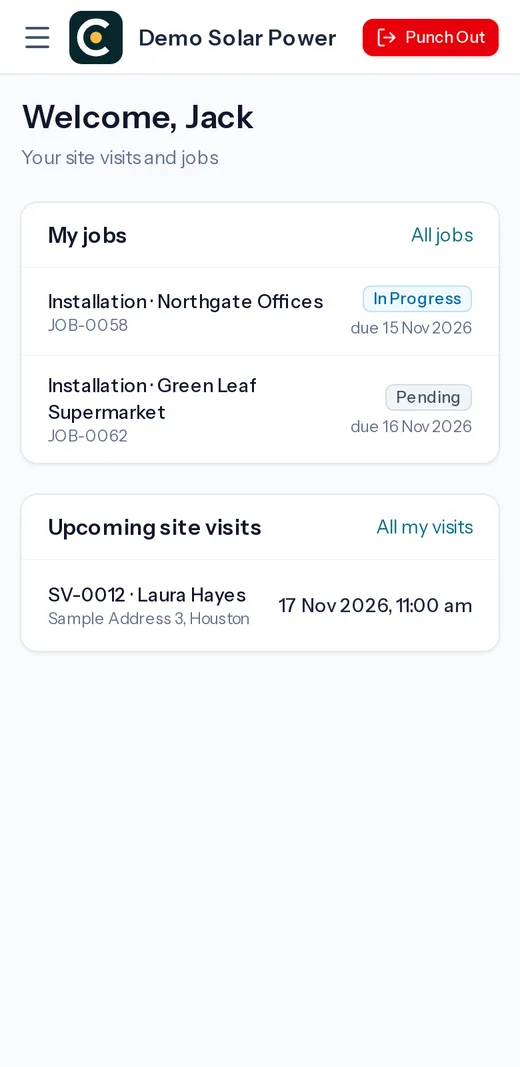
Questions about solar epc software for rooftop solar installers
What is solar EPC software?
It is software that runs the business side of a solar engineering, procurement and construction company: enquiries, site surveys, quotes, purchase and installation jobs, invoices, stage payments, service visits and staff.
Does CamVerion design solar systems or track generation?
No. It does not do shading analysis, system design or inverter monitoring. You keep using your design and monitoring tools, and use CamVerion to run the enquiries, projects, payments and service.
Does it handle government subsidy applications?
Not directly. You can record subsidy and net-metering steps as jobs with their own status and notes, so nothing is forgotten, but the applications themselves are made on the official portals.
Can we schedule panel cleaning visits?
Yes. Set up an O&M or cleaning contract as a maintenance contract, choose how often to visit, and each visit becomes a service call for the technician a week before it is due.
How much does it cost?
Plans start at $49 a month for up to 10 users, with a one-time setup fee. Every plan includes every feature.
Further reading for solar epc business owners
Who it is for
Also built for these installation businesses
Different trades, the same journey: an enquiry, a site visit, a quote, the installation, the invoice and years of service. One system runs it for all of them.
- CCTV installation Surveys, multi-camera quotes, installation jobs and service calls. See how it works
- Security systems Alarms, access control, intercoms and fire alarm work. See how it works
- Home automation Smart home projects, room-by-room quotes and support. See how it works
- HVAC AC installations, service visits and breakdown calls. See how it works
- AV and home theatre Equipment quotes, AV projects, calibration and support. See how it works
- Networking and cabling Structured cabling, Wi-Fi projects and support calls. See how it works
- Electrical contracting Rewiring, boards, EV chargers and maintenance call-outs. See how it works
Run your next installation job from one place
Sign up with your company details. We verify them, approve your account once your setup fee is received, then you can add your team.